
Workex Solutions

Build Reports Your Team Actually Needs

Build Reports Your Team Actually Needs

Create forms for breakdown reports, inspections, maintenance work, permits, shift handovers, or any other process your team runs every day.

Create forms for breakdown reports, inspections, maintenance work, permits, shift handovers, or any other process your team runs every day.

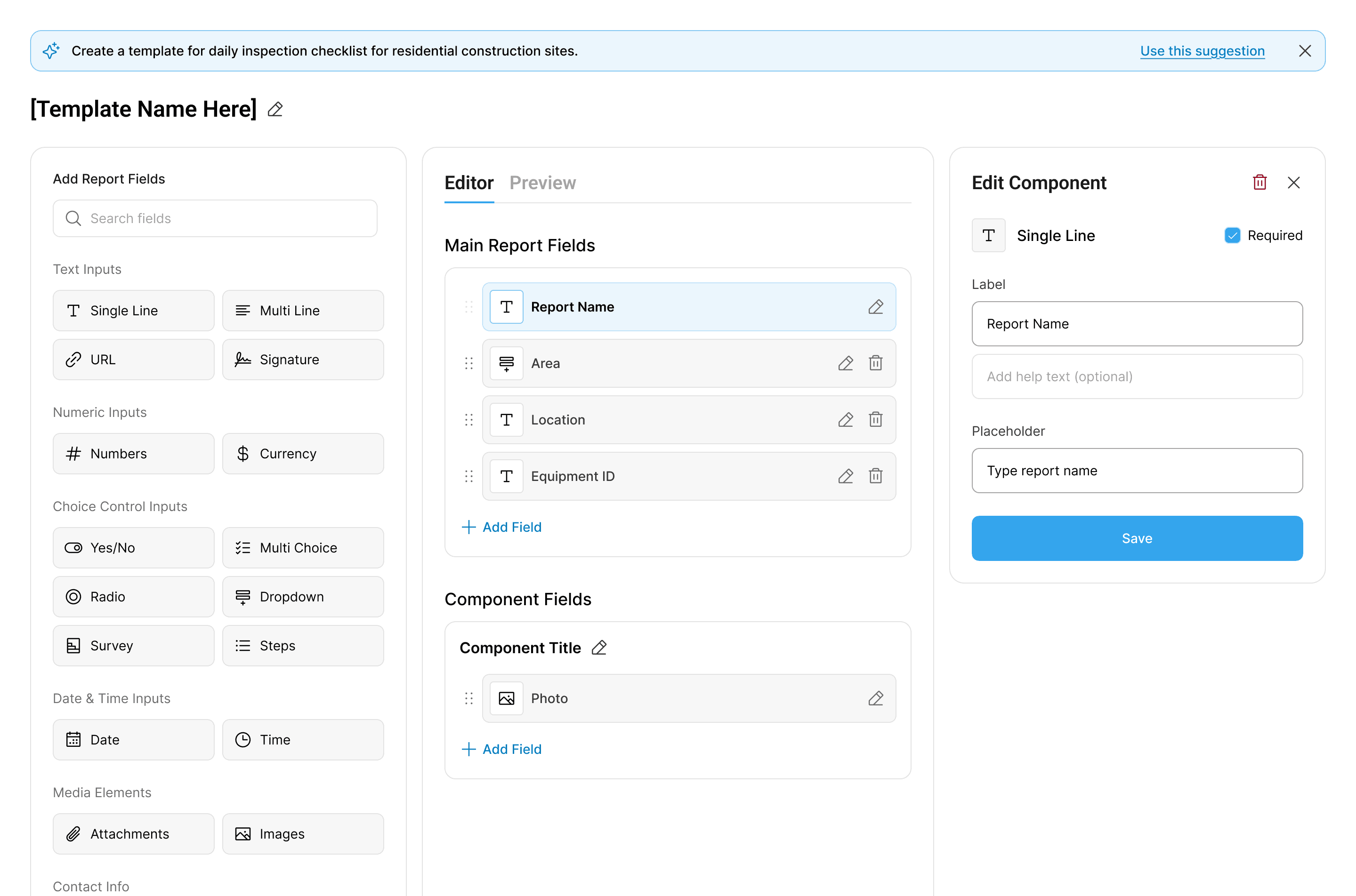
Editor

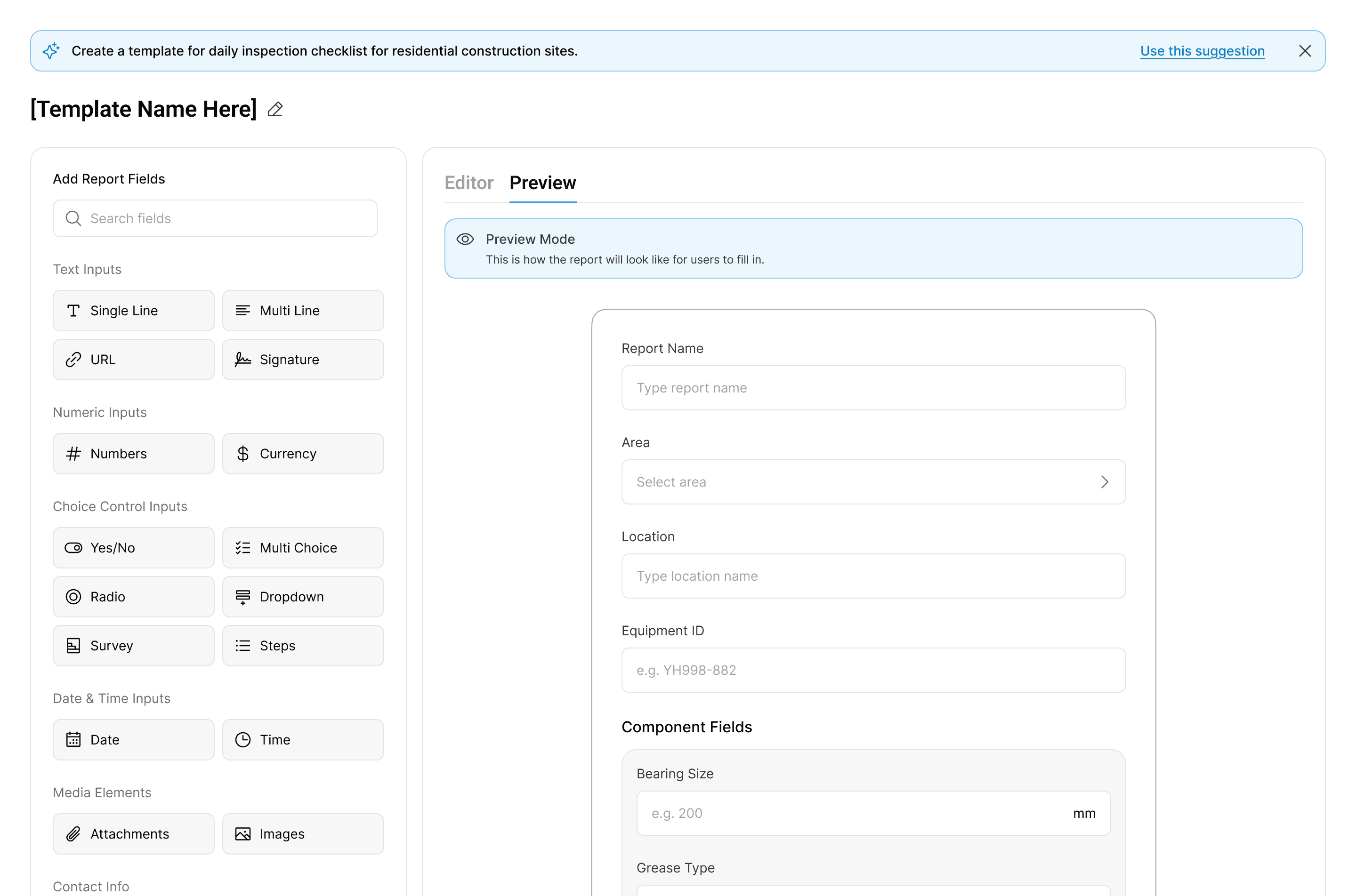
Preview

Editor

Preview

Editor

Preview

Start with Ready-Built Templates

Customise the questions to match your equipment and processes, then start using them immediately.
No building from scratch required.

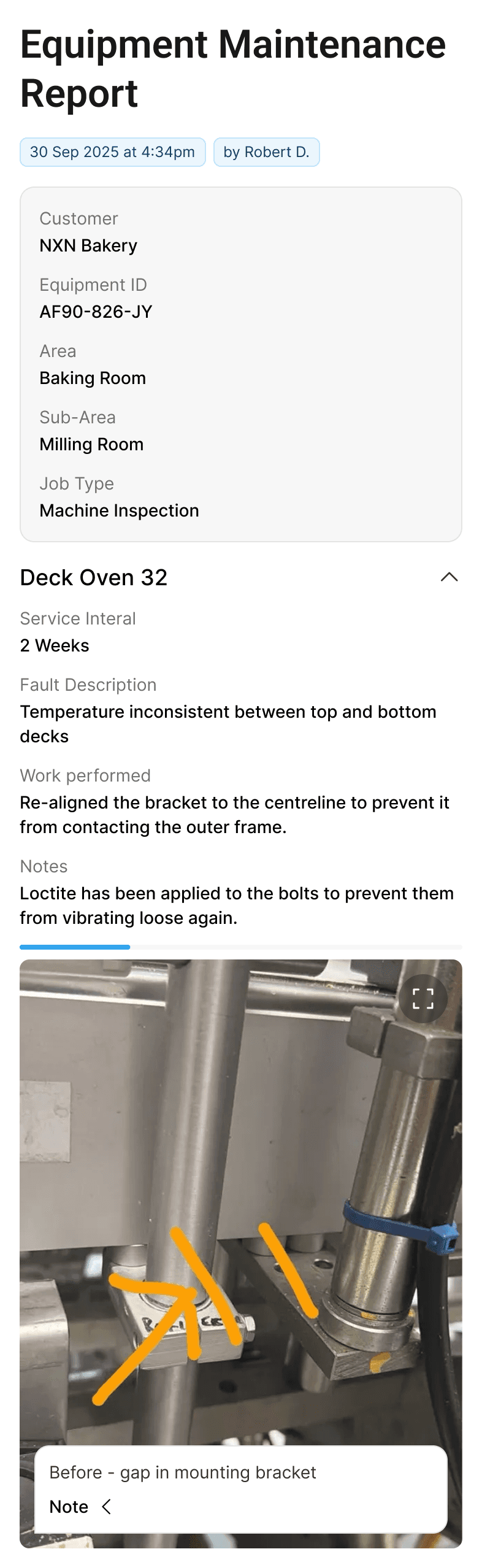
Equipment Failure Reports
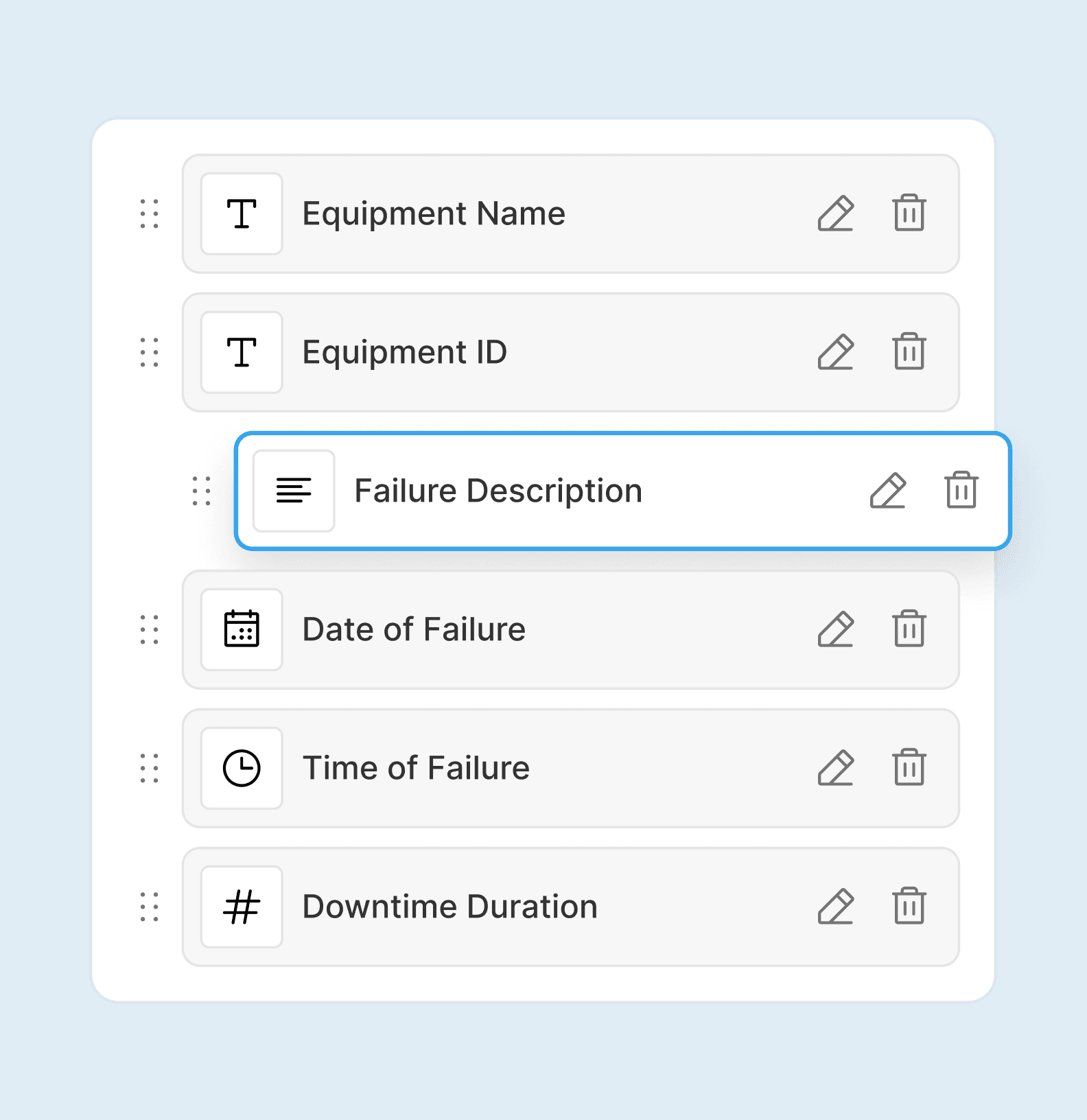
Breakdown Analysis
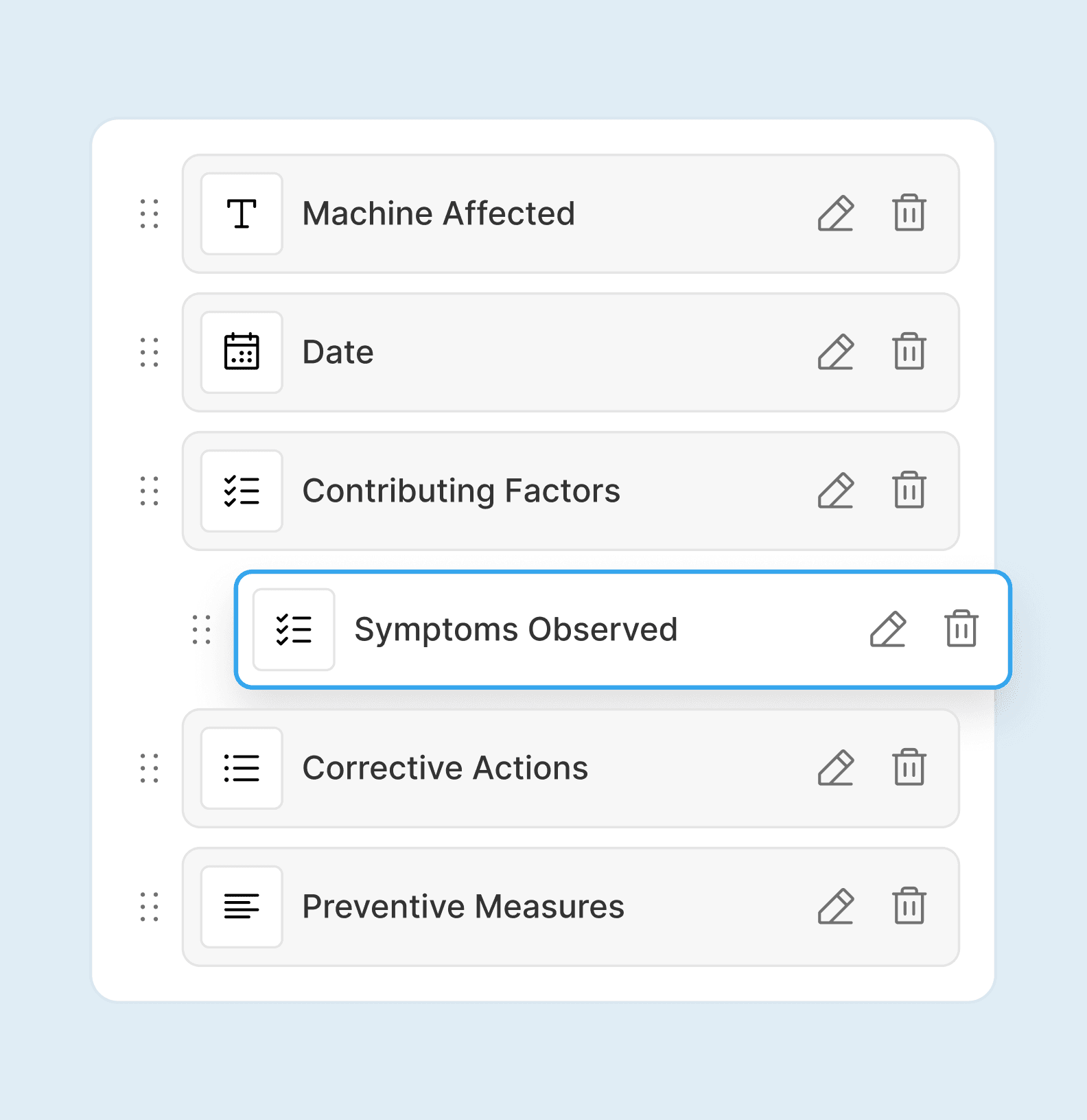
Maintenance Reports
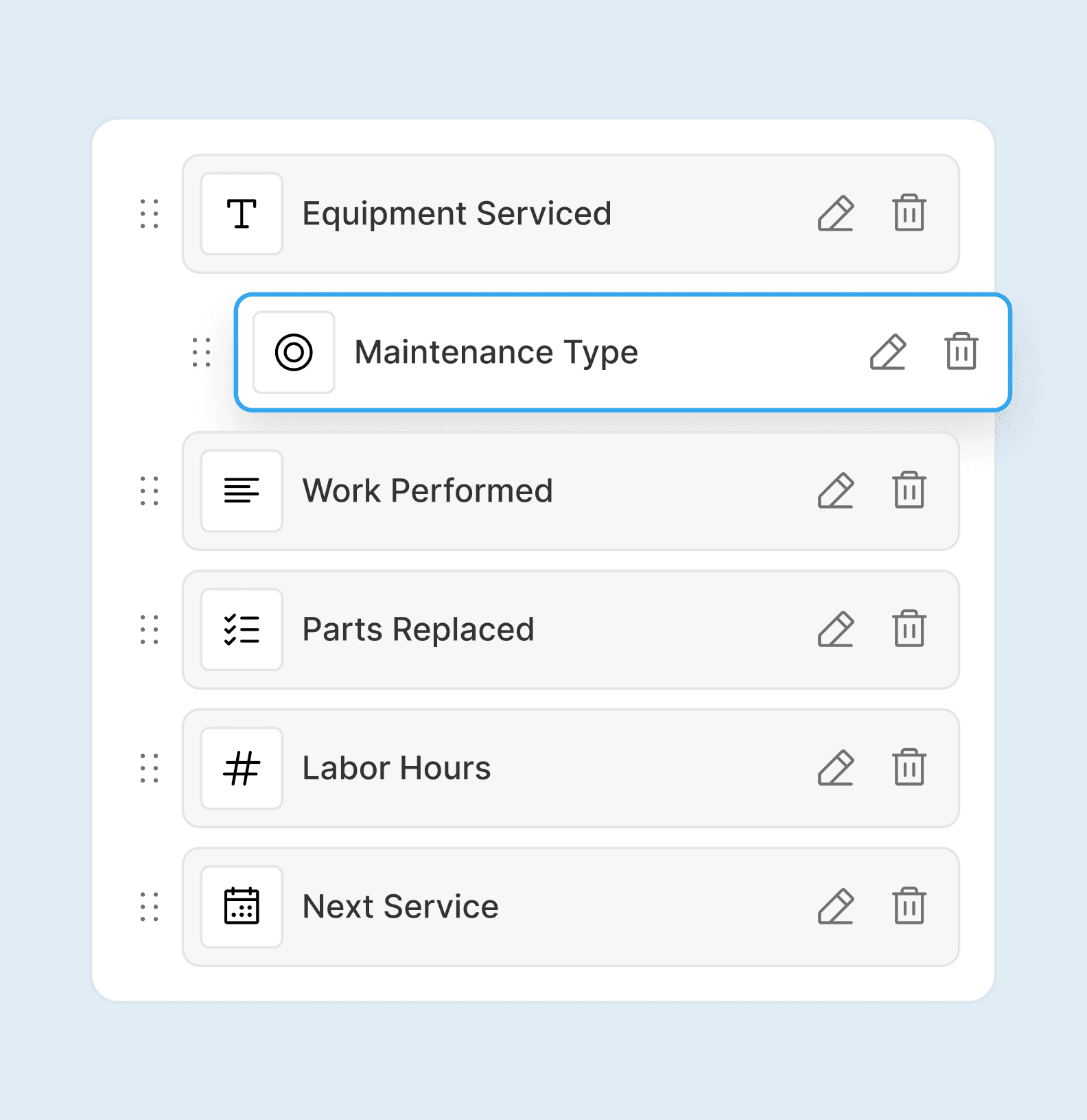
Inspection Checklists
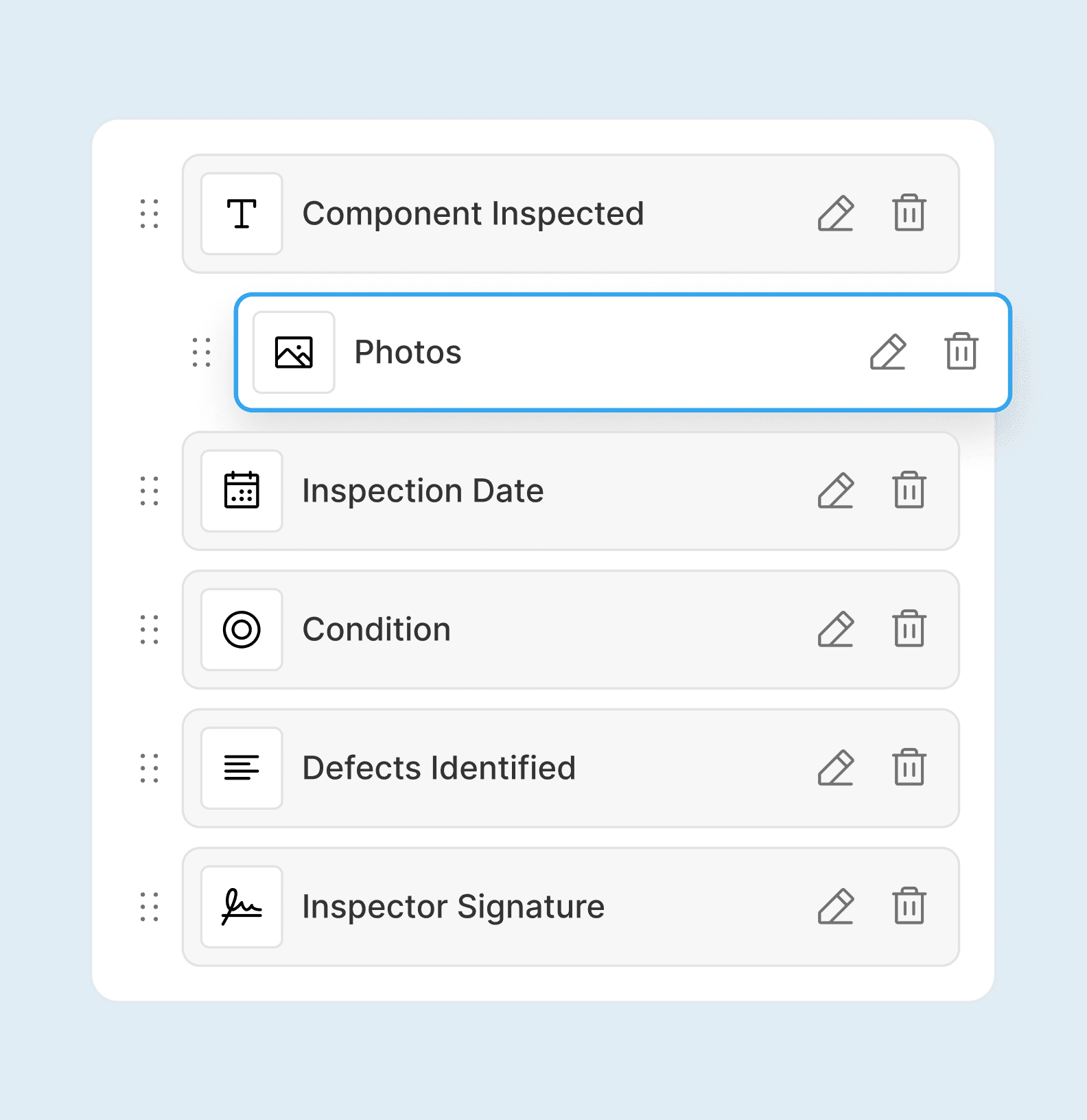
Permit Documentation
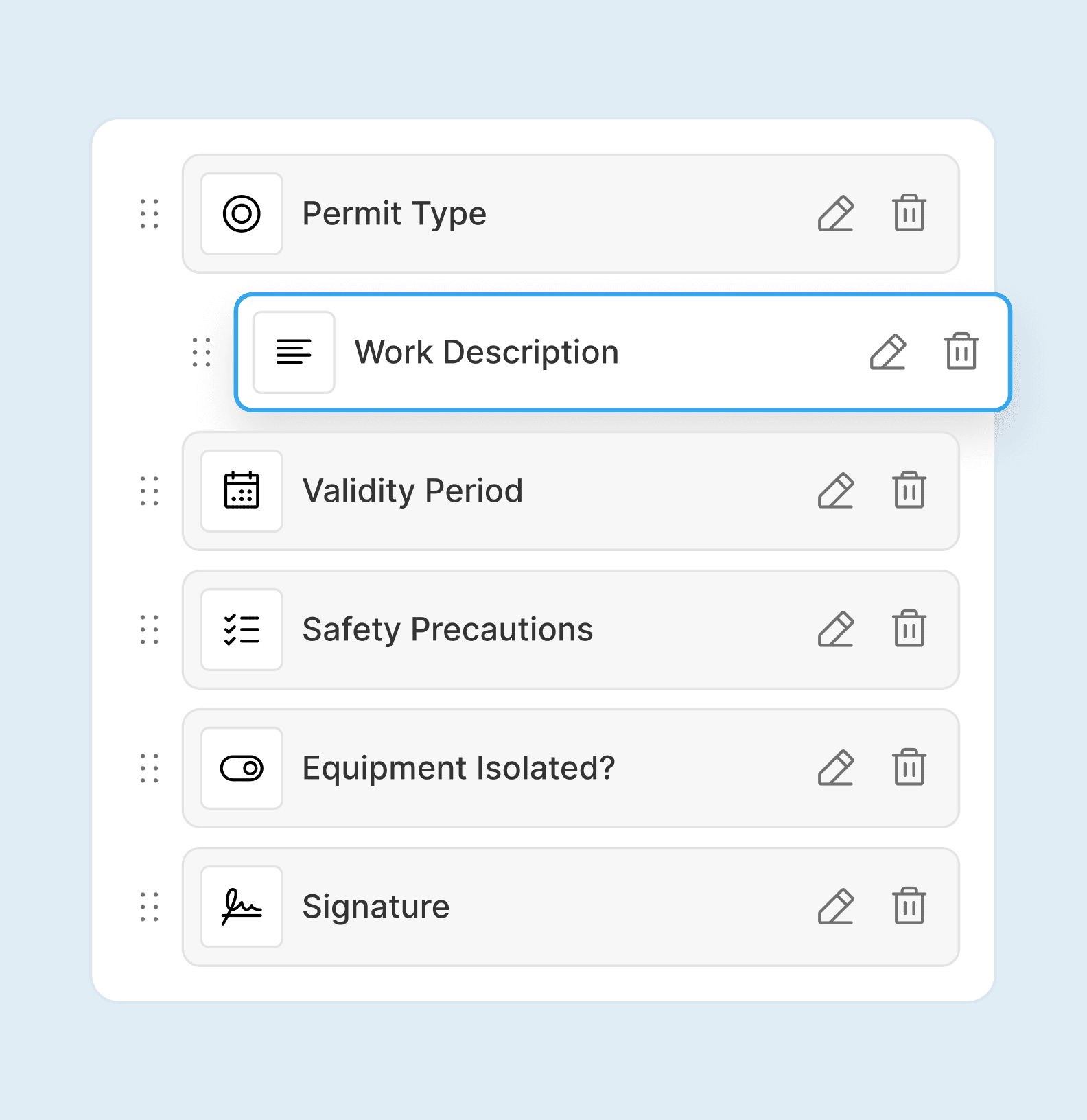
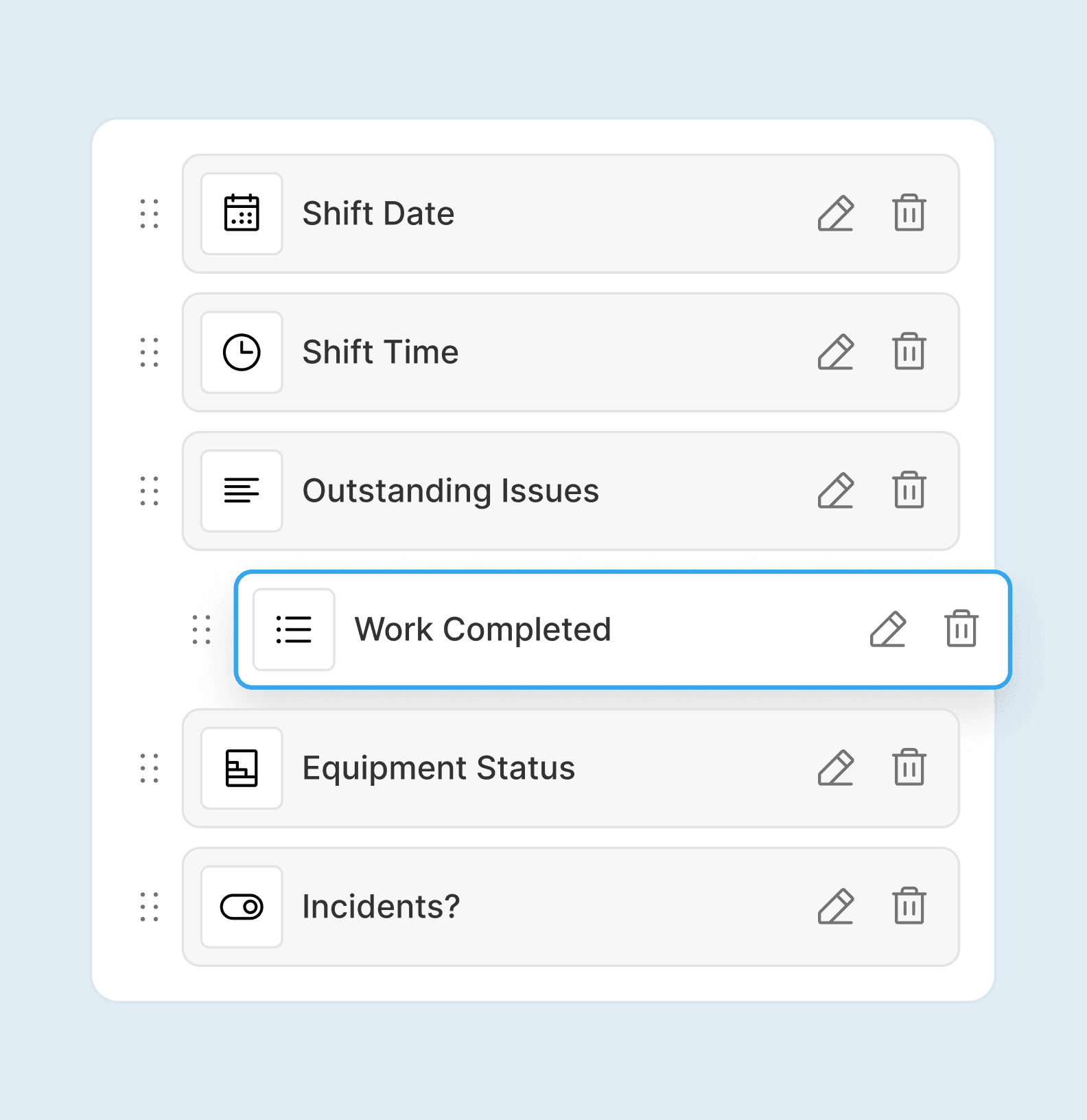
Shift Handover Reports
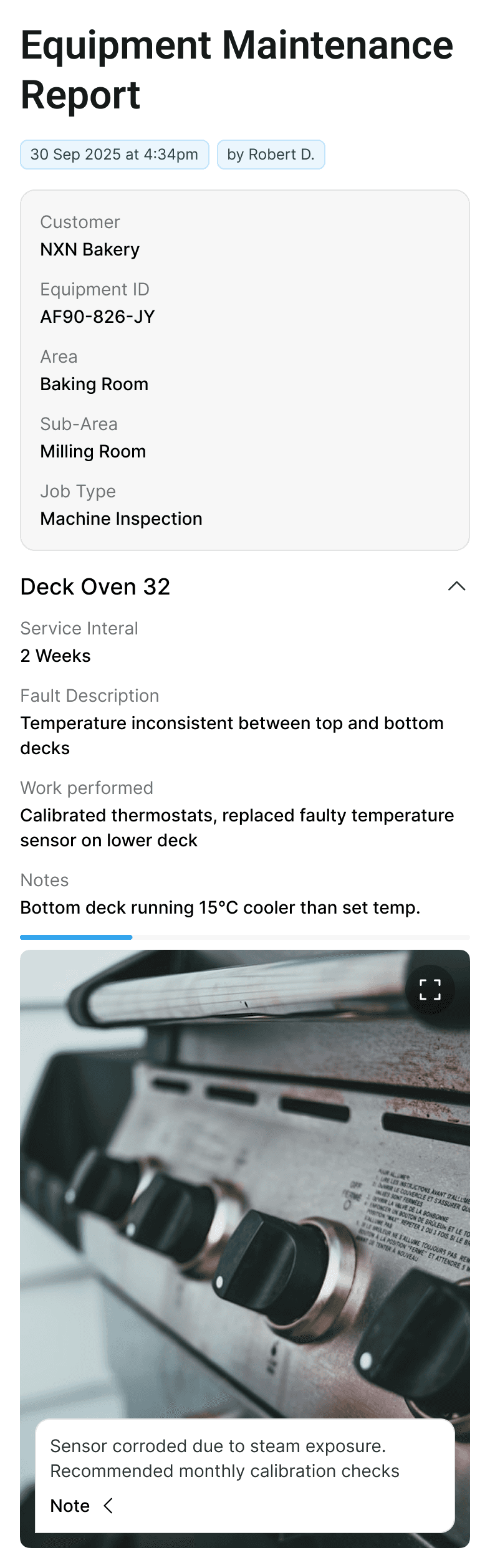
Two Field Types, Maximum Clarity

Workex templates use two types of fields to keep reports structured without repetition.

Main Report Fields

Standard details entered once at the start. These capture the essential job information like date and time, machine or location, customer or site, technician name, and job type.

Fill these out once, then focus on the actual work performed.

Component Fields

The real detail of the job. Use these to record information about each specific part or area you're working on.

This structure keeps reports organized, searchable, and easy to understand, whether you're reviewing one job or a hundred.

Smart Features That Save Time

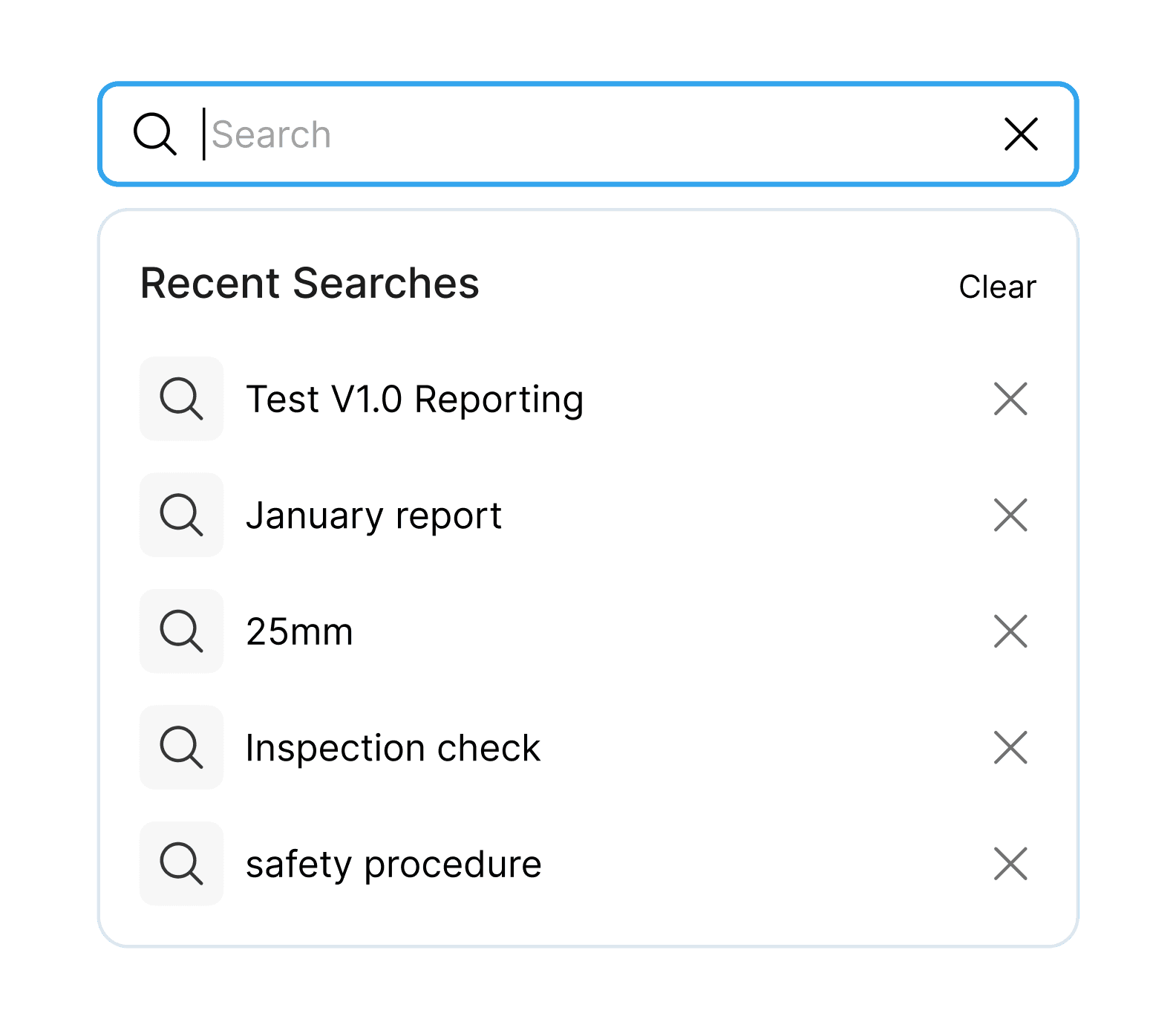
Find information fast

Report entries are searchable. Teams can jump straight to the relevant information.
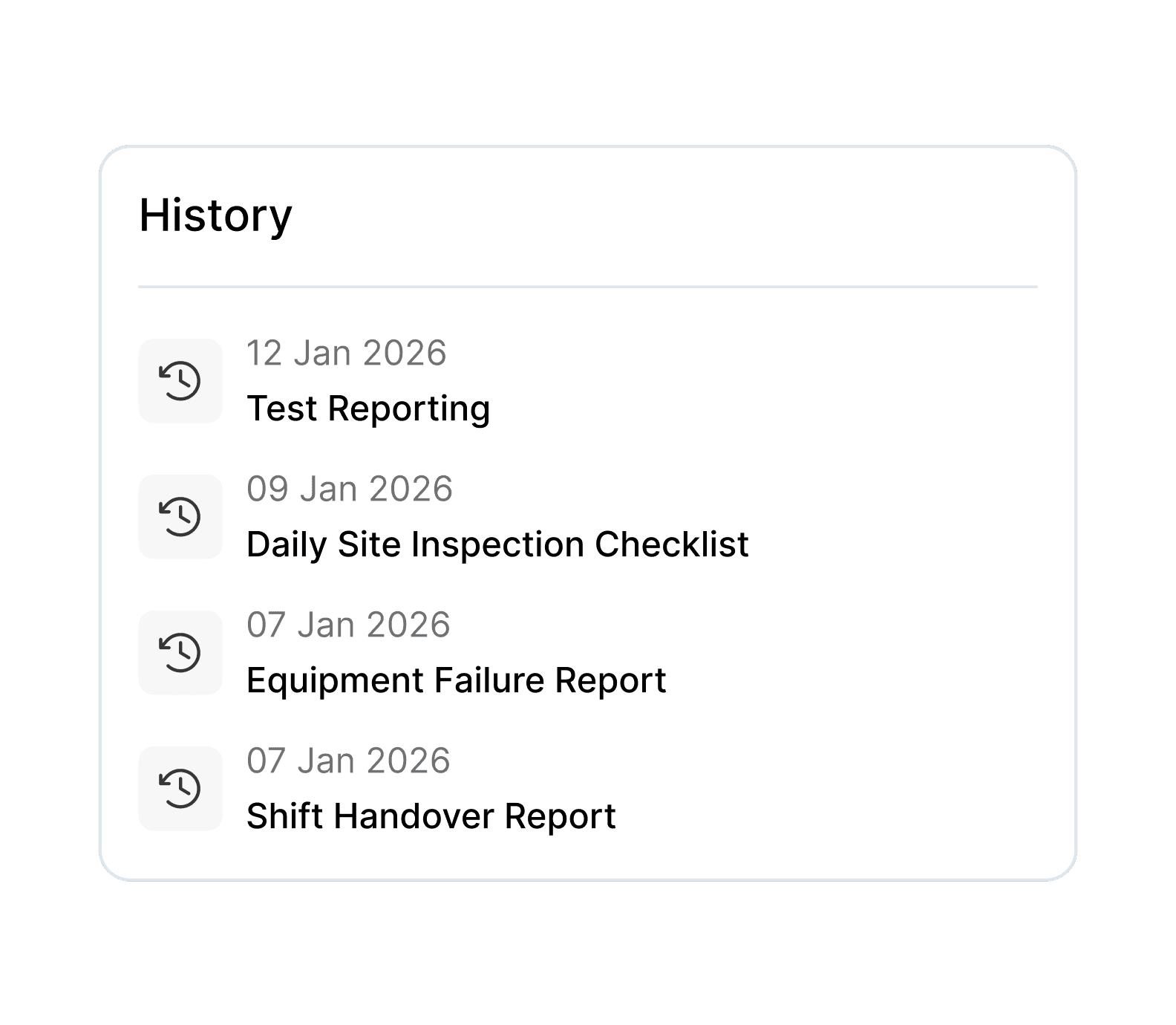
Machine History

Every report created through templates allocated to an asset feeds into the machine's history.
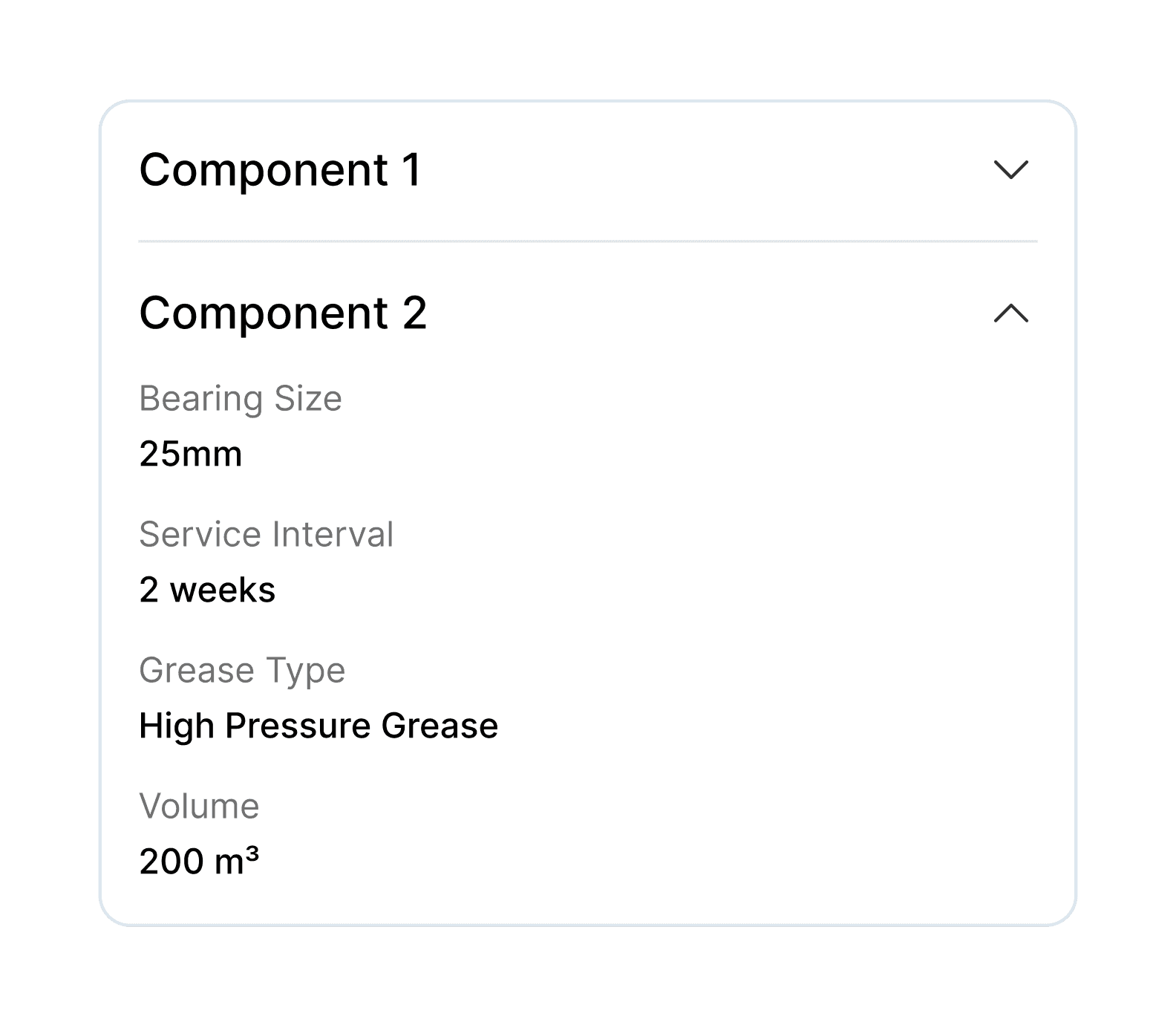
Component Sections

Organise long reports into logical component groups.
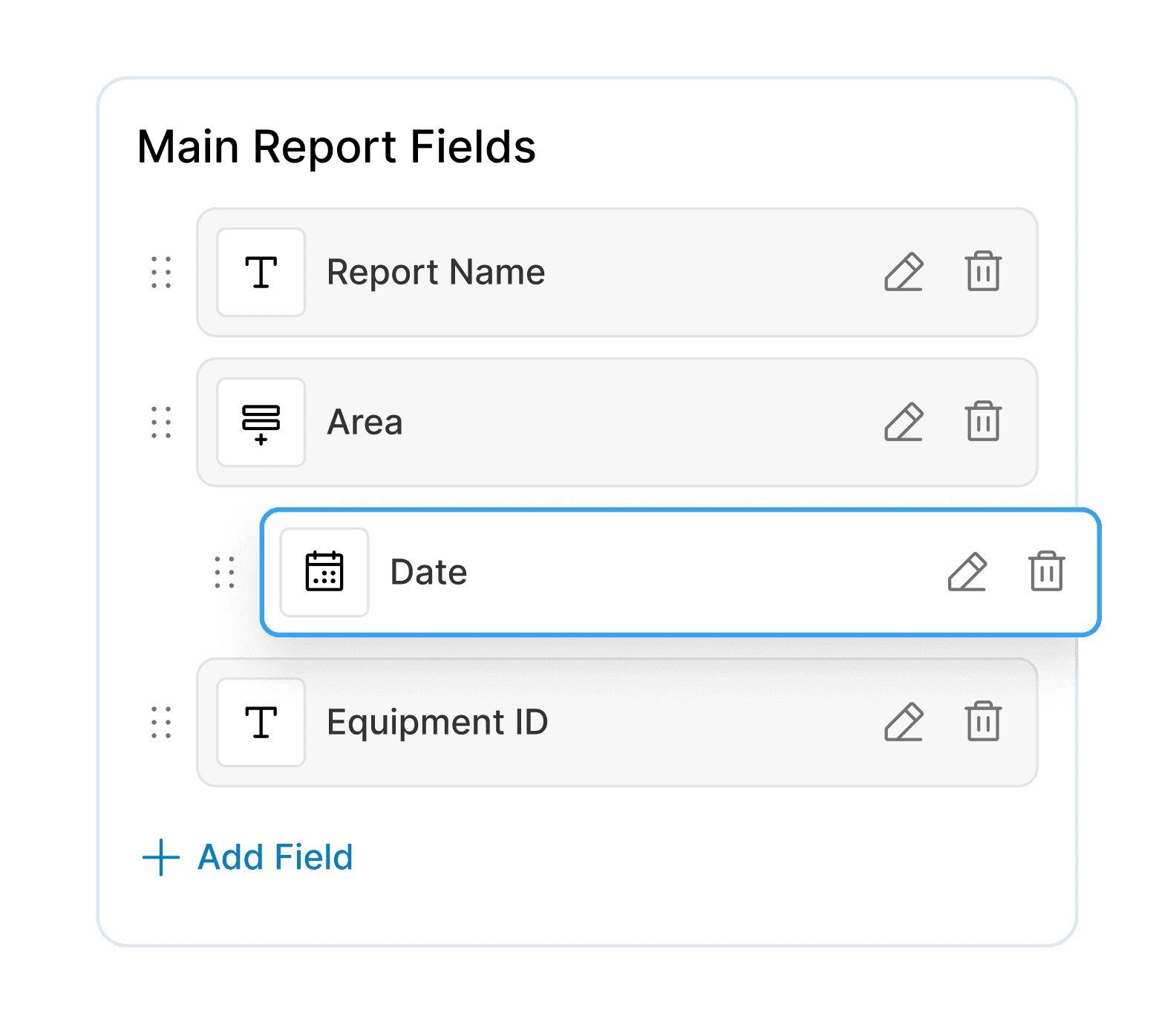
Drag and Drop

Easily create report templates by drag and dropping elements.
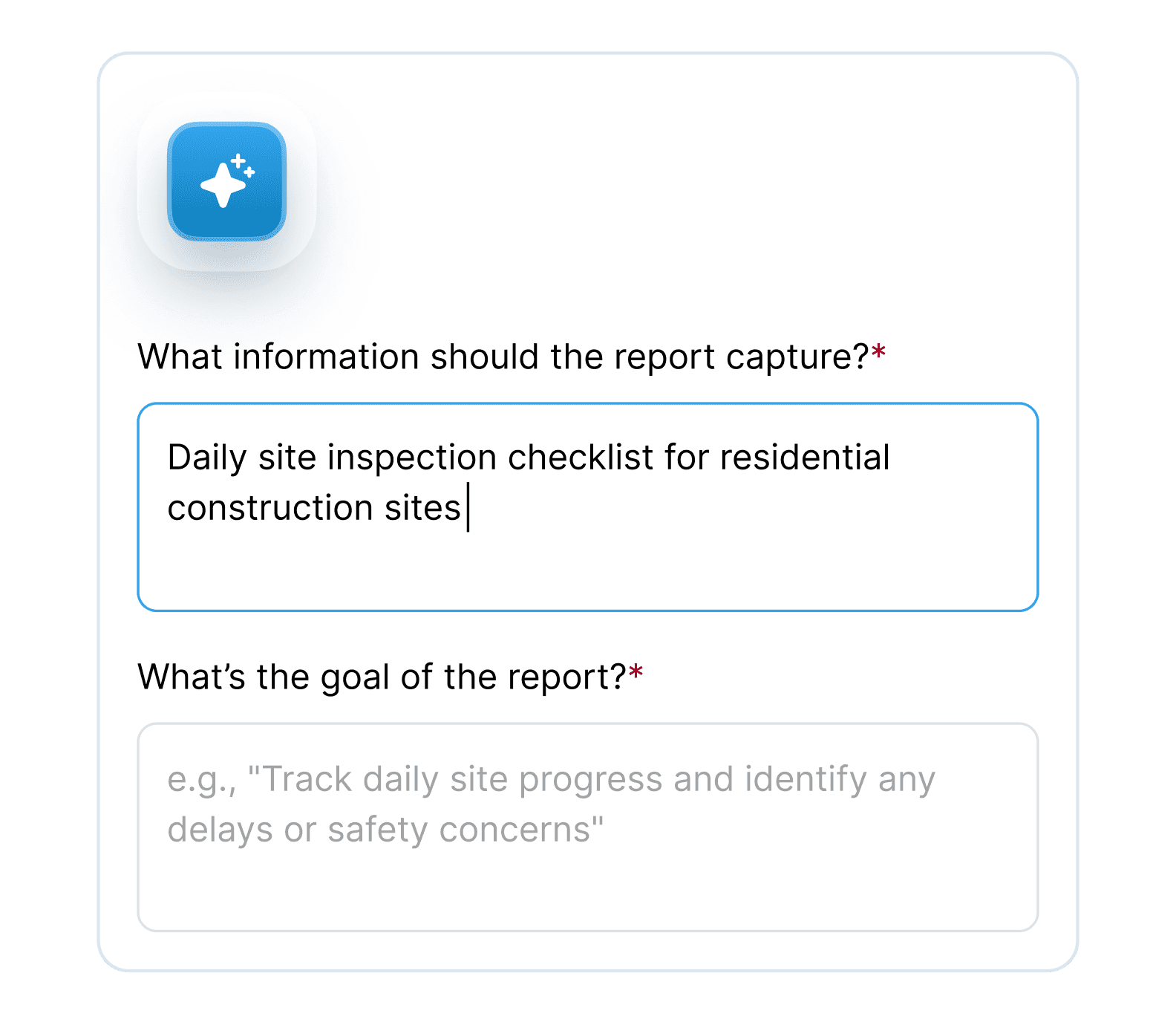
AI Form Builder

Easily create report templates by prompting dover with the task's goals & required outcomes.
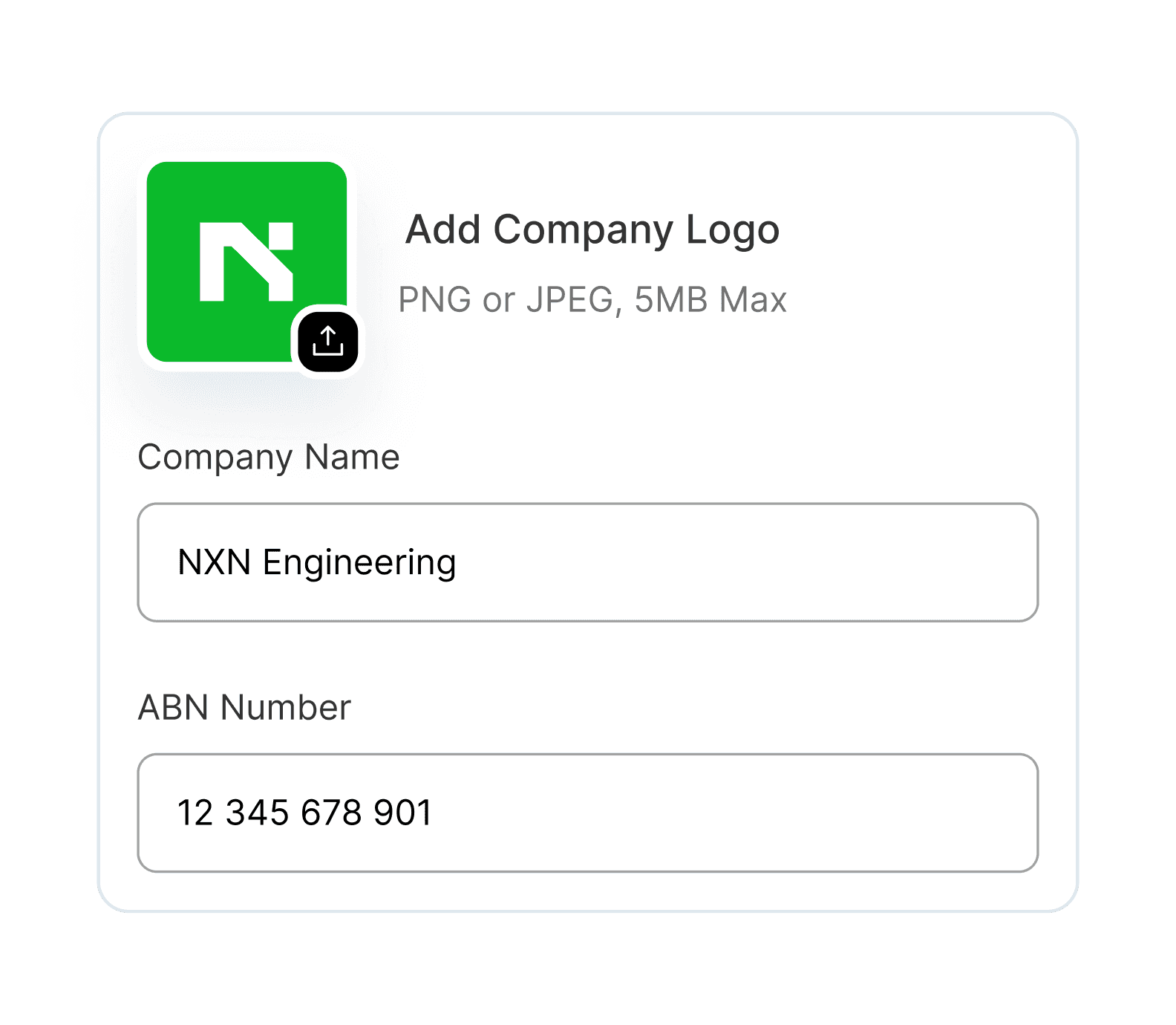
Branding

Add your logo and company details automatically to finalised PDF reports.

Three Ways to Create Templates

Build from Scratch

Start blank and add exactly what you need. Full control, zero limitations.

AI-Powered Generation

Describe what you need in plain English. Dover builds the template structure for you.

Scan Existing Forms

Beta

Snap a photo and Workex converts them into digital templates automatically.

Frequently Asked
Questions

Find the most commonly asked questions about Workex report template builder.

Can one report include multiple components?
Can AI build the template for me?

Yes. Describe the report you need in plain English and Dover will generate the template structure for you. You can then open it in edit mode and adjust anything.

Can AI build the template for me?

Yes. Describe the report you need in plain English and Dover will generate the template structure for you. You can then open it in edit mode and adjust anything.

Can AI build the template for me?

Yes. Describe the report you need in plain English and Dover will generate the template structure for you. You can then open it in edit mode and adjust anything.

What if the AI template is not exactly right?
How are reports linked to machines or assets?
Can we customise templates to match our site?
How long does it take to create a template?

Stop Fighting with Generic Forms

Build reports that match how you actually work. Try Workex templates free.